What's new
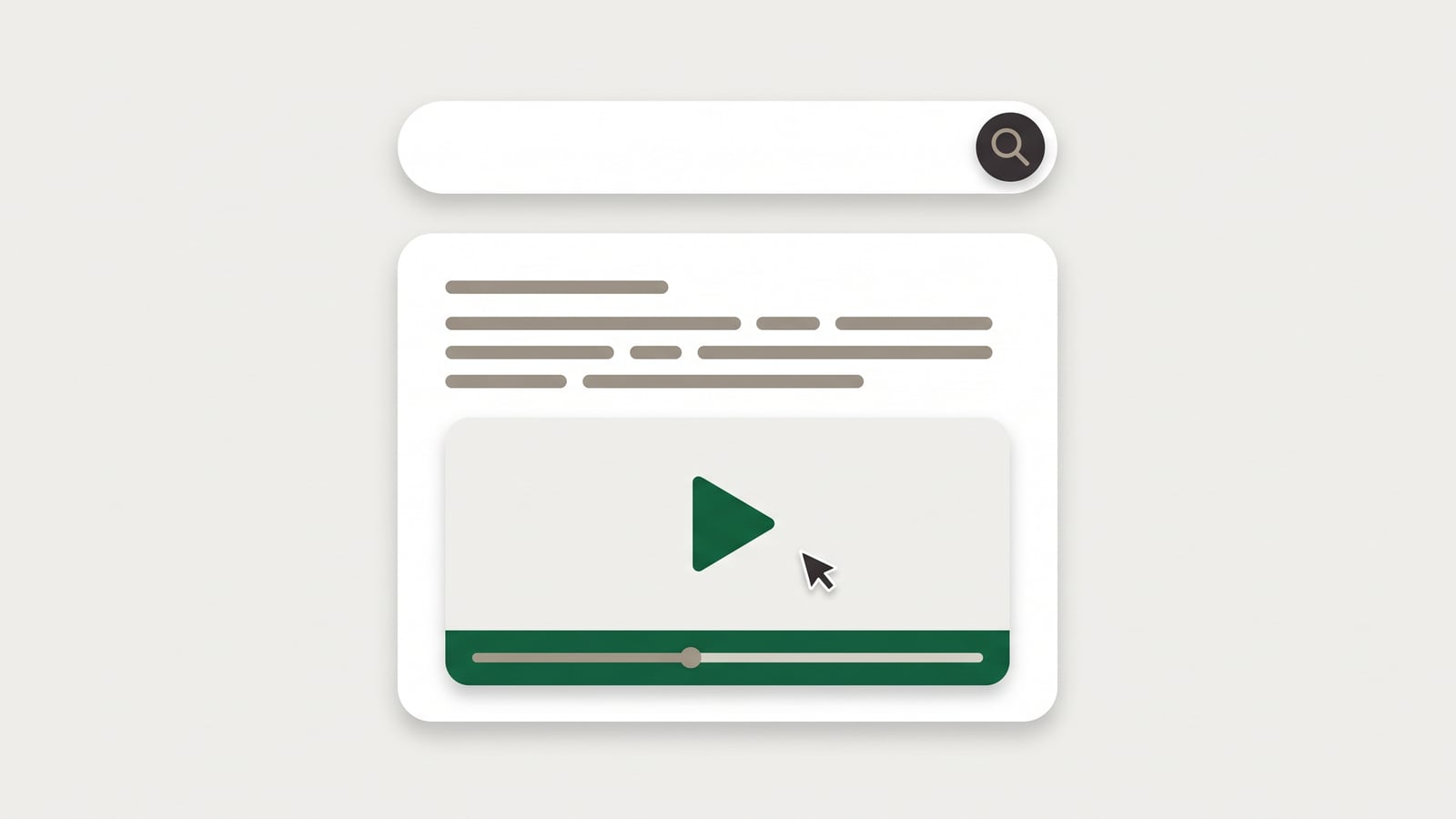
When someone asks a question in your help center's search, the AI answer is built on your articles. If the article it's built on has a tutorial video, the answer now shows that video after its first sentence, before the steps.
It shows a picture of the first step, the video's length and a Play button. Click Play and the video plays right there, without leaving the answer.
Search results mark the articles that have a video with a ▶ and its length, so people who'd rather watch can pick those.
The in-app widget shows a "Play video" row under the answer, and the video plays inside the widget.
YouTube videos work too, with YouTube's picture.
Why it matters
Some questions are answered faster by watching than by reading: where a button is, what to drag where, what the result should look like. Until now, people had to open the article to find its video. Now the answer brings it to them.
Do I need to set anything up?
No. It works for every article that has a video, whether HelpLayer made it from the article's steps or you added a YouTube link. To add videos to more articles, open an article and make its narrated video, or make them for a whole category at once.
 HelpLayer