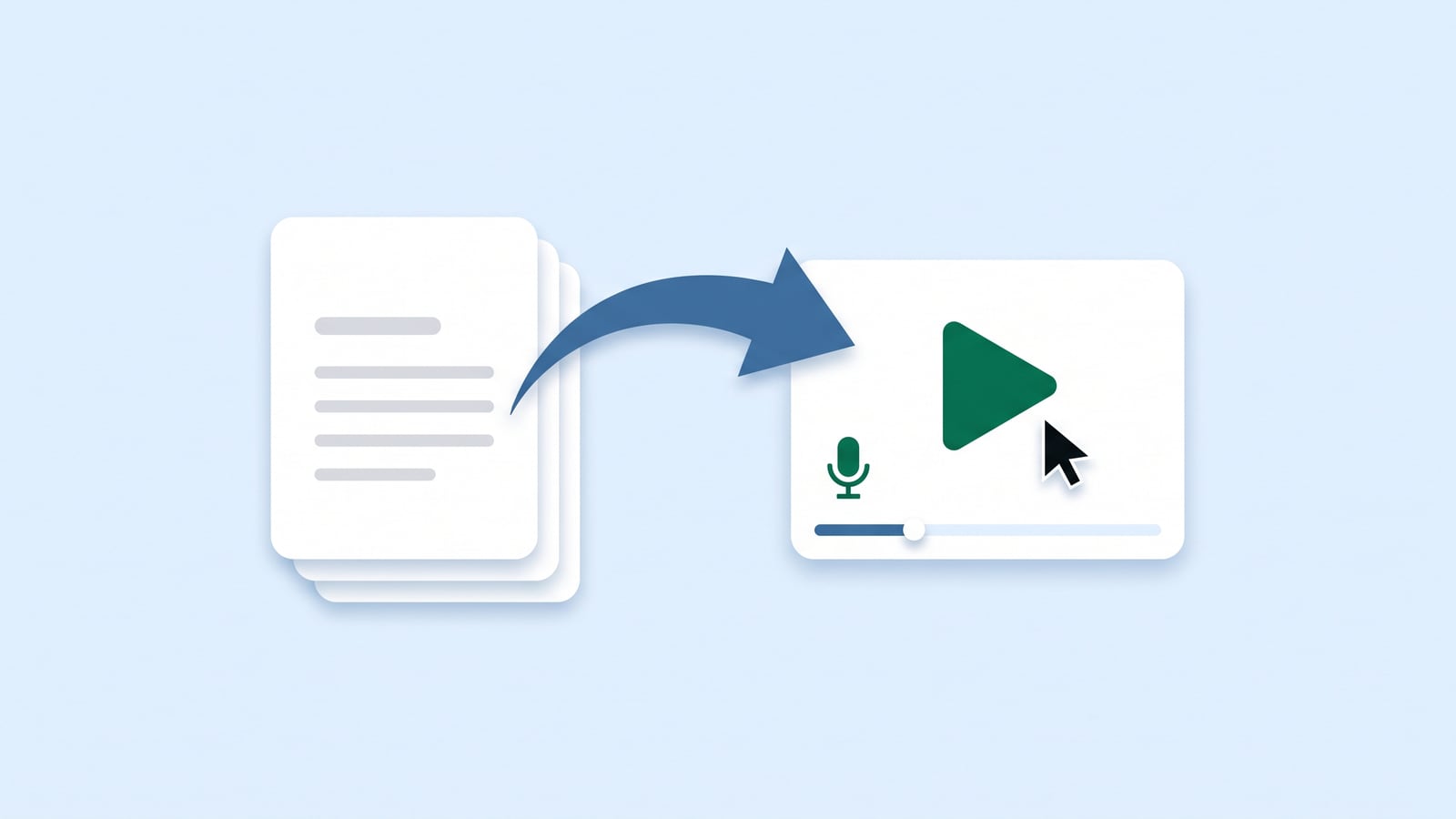
Why add a video to an article
Some people read, some people watch. A short video next to the steps helps the second group, and it helps everyone with tasks that are hard to describe in words: dragging things around, finding something on a busy screen, knowing what the result should look like.
It also travels further than an article. You can send it in a support reply, put it in an onboarding email or show it inside your app.
The problem with tutorial videos has always been the cost. Recording a good one takes an hour, and the next redesign makes it wrong.
What makes a tutorial video work
The good ones have a few things in common:
Short. One task, under two minutes. If it needs chapters, it's several videos.
It follows the steps. Same order and same words as the article, so people can switch between them.
It shows where to look. The cursor moves to the button, the click is visible, the part that matters is zoomed in.
A calm voice. The narration says what's happening and why, at the pace of the screen.
Quiet music, or none. It should fill the silence, not compete with the voice.
Write the narration from the steps
You already have the script: it's the article. Each step becomes one or two spoken sentences.
The article says: “Click Add item and enter what you're billing for.”
The narration says: “Now add what you're billing for. Click Add item, then type a description and the price.”
Spoken sentences are shorter and friendlier than written ones. Say the button's name, then what it does. Leave out anything the viewer can see for themselves.
An example
Here is a tutorial from Northwind, our demo help center, made from the steps of its article "Send your first invoice":
Keep the video in sync with the product
A video that shows the old design is worse than no video: it makes the product look broken. So the video has to change when the article does.
That's simple when the video is made from the article. When a step changes, make the video again from the new steps; there's nothing to record. If your videos are recorded by hand, list them next to the articles in your release checklist, and record again the ones a change touches.
In HelpLayer, every article can have a narrated video made from its steps, with your choice of voice, music and design. When you approve an update to the article, the change to its video comes with it.
Where to put it
At the top of the article, above the steps, so people who'd rather watch see it first.
In search and AI answers, when the answer comes from an article with a video.
In support replies, instead of a long list of steps.
In onboarding, one video for each first task.
 HelpLayer