llms.txt and MCP: let ChatGPT and Claude read your help center
Your customers ask AI assistants first. Two small standards make sure the answer comes from today's docs, not a guess.
The HelpLayer team · October 5, 2026 · 4 min read
Your customers ask AI first
More and more people don't start in your help center. They ask ChatGPT, Claude or the assistant in their code editor: "How do I export my invoices from Northwind?" The assistant answers from whatever it can find: an old blog post, a forum thread, or what it remembers of your product from a year ago.
You can't control what assistants say, but you can make the right answer the easy one to get. Two small standards do that: llms.txt for reading your docs, and MCP for searching them.
A help center that keeps itself up to date
Connect GitHub and HelpLayer tells you which articles a change breaks, and drafts the fix.
llms.txt is a plain text file at the root of a site, proposed in 2024 as a guide to the site for language models. It lists your most useful pages with a line on each, in Markdown, so a model can find the right page without crawling menus, cookie banners and scripts.
A help center's llms.txt looks like this:
markdown
# Northwind

> Guides, videos and answers for Northwind, the invoicing app for small teams.

## Invoices

- [Send an invoice by email](https://helplayer.app/h/demo/invoices/send-an-invoice-by-email.md): Email an invoice with a link to pay online, and a PDF if you like.
- [Recurring invoices](https://helplayer.app/h/demo/invoices/recurring-invoices.md): Bill the same customer every week, month or year without lifting a finger.
Each link points to the article as Markdown, which is what models read best. A companion file, llms-full.txt, has every article in one file, for tools that want to load the whole help center at once.
What an MCP server adds
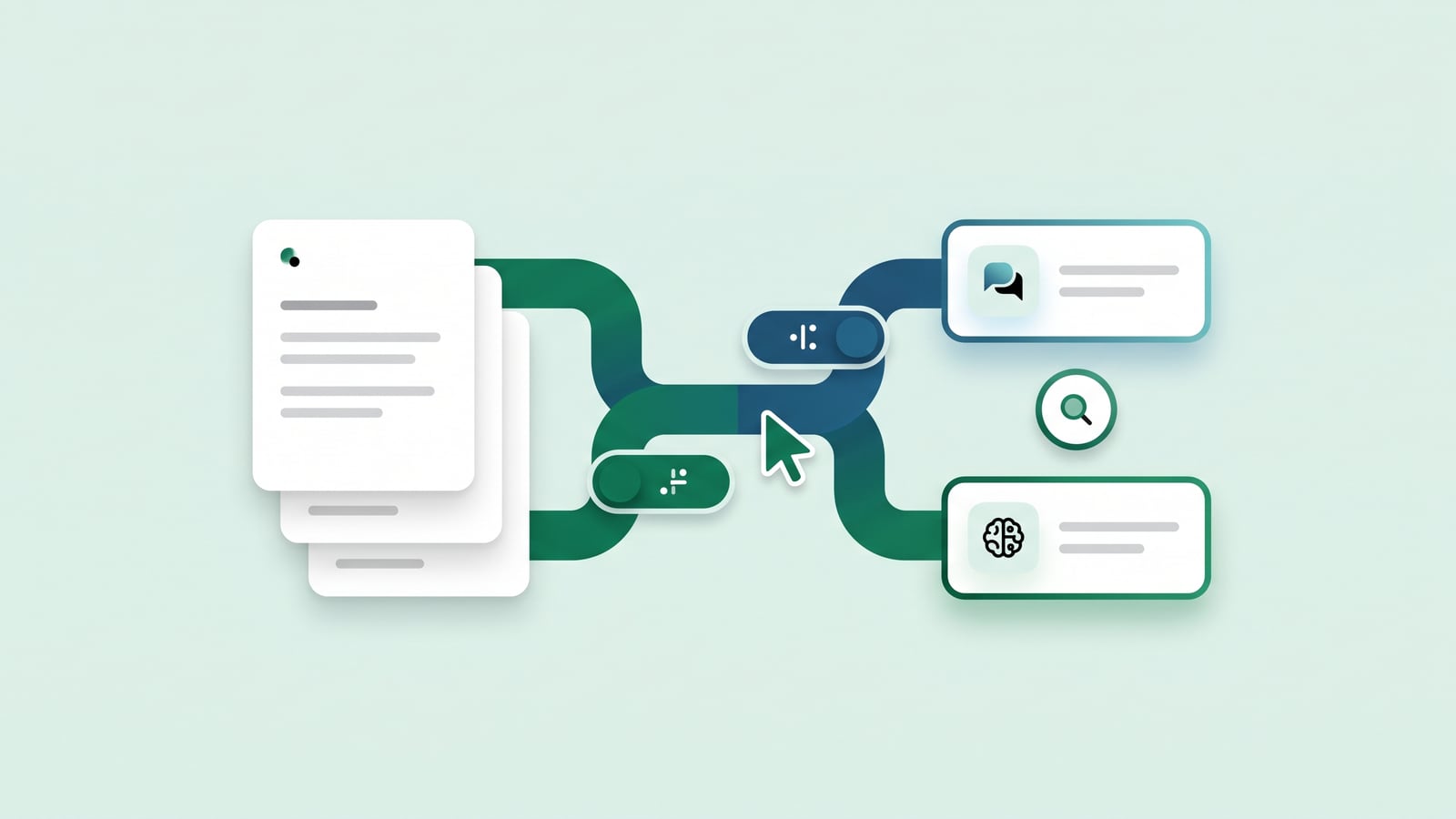
llms.txt is a list to read. MCP, the Model Context Protocol that Anthropic introduced in 2024, lets an assistant use your help center: search it, read an article, see what it covers. The assistant calls these tools while it answers, so the answer comes from the current article, with a link to it.
A help center's MCP server needs only a few read-only tools:
search_docs finds the articles that match a question
get_article reads one in full, as Markdown, with its screenshots and video
list_articles lists everything the help center covers
People add your MCP server's address to their assistant once, as a connector, and from then on it looks things up in your docs instead of guessing.
Setting them up
You can write llms.txt by hand, but it goes stale like anything else written by hand. Generate it from the help center, so a new or renamed article shows up straight away, and serve each article as Markdown at its own address.
An MCP server is a small web service. Keep it public and read-only, return links to the articles in every result, and limit how often one address can call it, because a single question can lead to several calls.
If your help center runs on HelpLayer, both are already there: every public help center has an llms.txt, an llms-full.txt and an MCP server, kept current as the articles change (you can turn this off in its settings). See Northwind's at helplayer.app/h/demo/llms.txt.
Write articles AI can answer from
The things that help people find answers also help models:
One topic per article, with a title that says what it answers.
The answer near the top, then the details.
The exact names of buttons, settings and plans, as the product shows them.
Steps as numbered lists, not paragraphs.
No answers only in images. If a screenshot shows a value that matters, write it in the text too.
Nothing out of date. An assistant can't tell an old article from a current one, so update or remove the old ones.
Check what assistants say
Once a month, ask the assistants your customers use the ten questions your support team gets most. Note which answers are wrong and where they came from. Most fixes are in your own docs: a missing article, an old one still public, or an answer that only exists in a screenshot.
Get the next one
One useful email a month. Unsubscribe in one click.
 HelpLayer