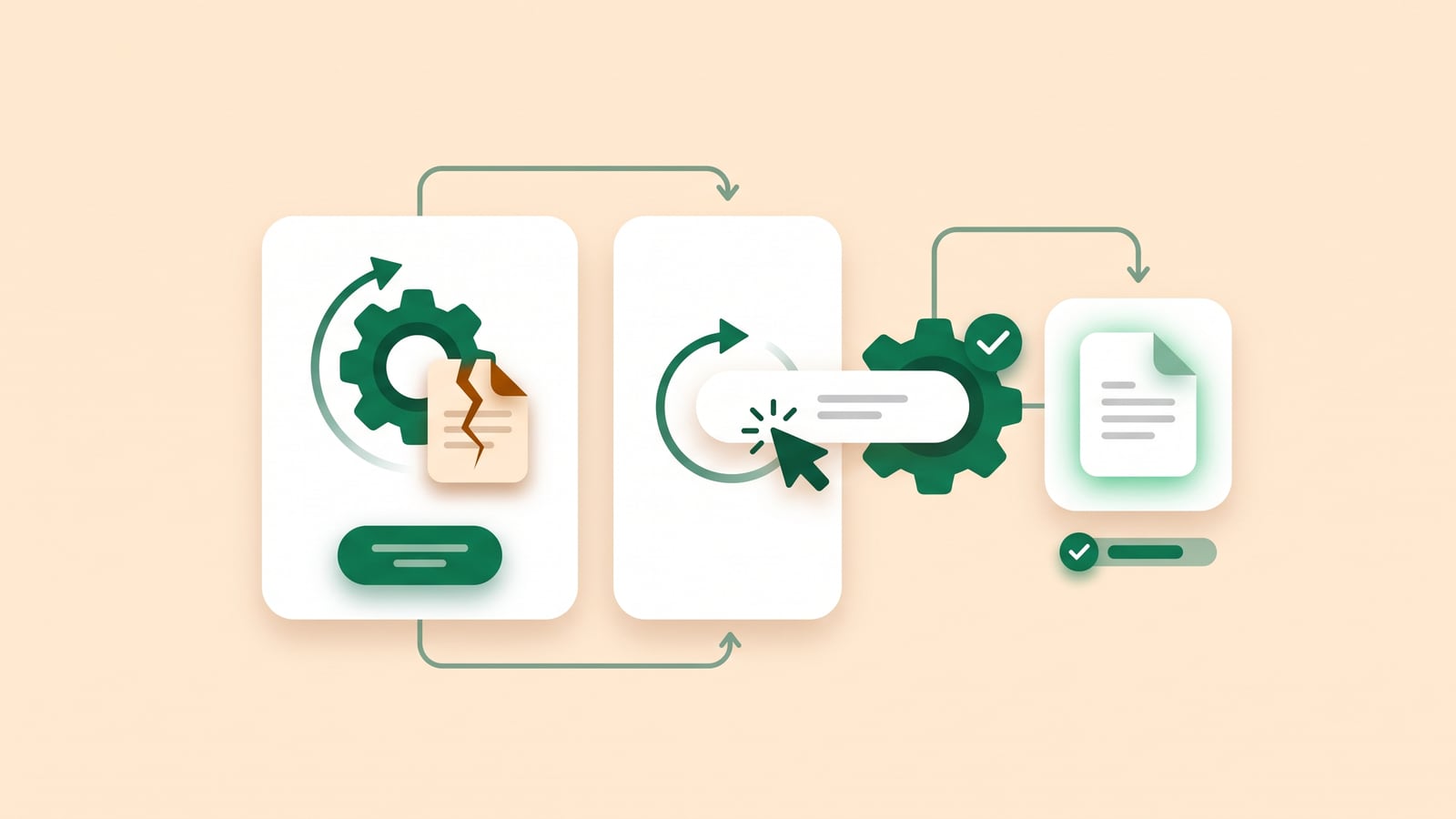
Why articles go stale
Nobody decides to let the help center rot. A button gets renamed, a setting moves to another page, a plan changes what it includes, and three articles are now wrong. Nobody notices on release day. A customer notices a week later, follows the steps, can't find the button, and opens a ticket.
Stale articles cost more than missing ones. A missing article sends people to support. A wrong one wastes their time first, then sends them to support, and teaches them not to trust the help center next time.
The fix isn't writing more. It's knowing, on the day you ship, which articles a change touches, and updating those before anyone reads them.
A routine for release day
You don't need a docs team for this. You need a short list and a habit. On every release:
List what a customer can see changing. New buttons, renamed menus, moved settings, new limits, removed features. Skip the internals. Your changelog or the merged pull requests are the source.
Search the help center for each name you changed. Search for the old name, not the new one: that's what the stale articles still say.
Update the steps first. Fix the words: the button's name, where it is, what happens after clicking it. Steps that are right without a screenshot are still useful. A screenshot next to wrong steps isn't.
Then the screenshots. Retake only the ones where something visible changed.
Note what you couldn't update. If a feature is half-shipped or behind a flag, add it to the next release's list instead of guessing.
Put it in the release checklist, next to "post in the changelog". Whoever ships the release does this too.
Screenshots and videos
Screenshots go stale faster than text, because every visual change shows up in them, even the ones that don't matter. A few habits keep that manageable:
Crop to what matters. A screenshot of one panel survives a redesign of the sidebar. A full-screen one doesn't.
Mark the click. An outline or an arrow on the button tells the reader where to look, and tells you what to check when that button changes.
Name files after the step, like invoices-send-button.png, so you can find every screenshot of a page when it changes.
Make videos from the steps, not the other way round. A video recorded by hand has to be recorded again after every change. A video made from the article's steps can be made again in minutes.
Automate the boring part
The routine works, but its slow part is the same every time: reading through what changed and matching it to articles. That's the part software is good at.
Watch the source. Changes to your product start in your code. Connect the help center to the repository, and every merged change can be checked against the articles that describe it.
Only touch what changed. A good tool proposes edits to the three articles a change affects, and leaves the other two hundred alone.
Keep a person in the loop. Review each update like a pull request: see what changes, then approve it or fix it. Docs that update themselves without review drift in new ways.
This is what HelpLayer does: articles watch a GitHub repository or a web page, and when it changes, you get the affected articles with the update written, ready to approve. Their videos are updated with them.
A checklist
Copy this into your release process:
Listed every change a customer can see
Searched the help center for each old name
Updated the steps in each affected article
Retook the screenshots where something visible changed
Made the videos again for the articles that changed
Added anything unfinished to the next release's list
 HelpLayer