
Automatic payment reminders
Let Northwind nudge customers before and after an invoice is due.
Reminders are friendly emails Northwind sends for you. They stop as soon as the invoice is paid.
Step 1: Choose when to remind
In Settings → Reminders, turn on the reminders you want. When it’s overdue sends a reminder every 7 days, up to 3 times.
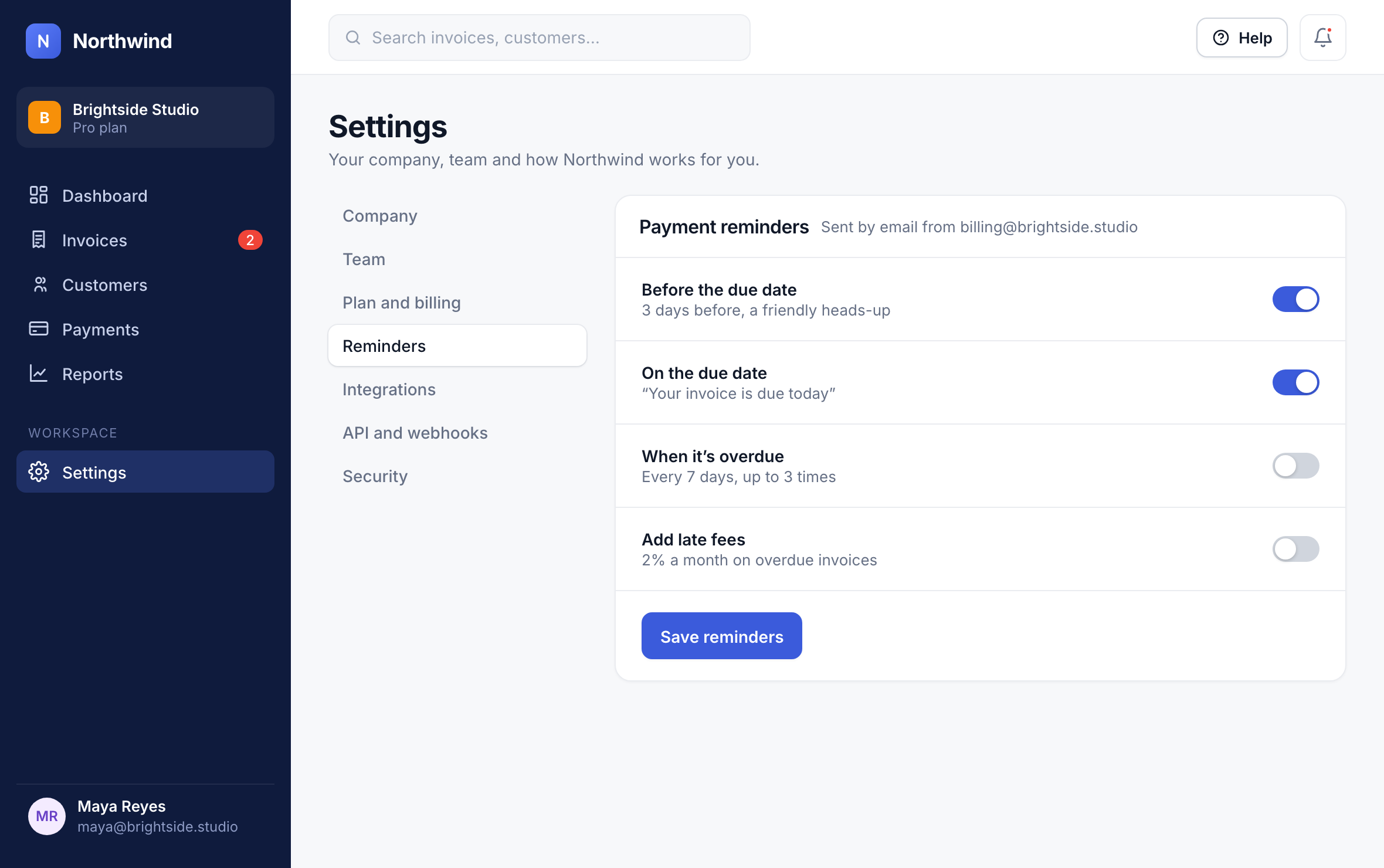
1
Step 2: Save
Click Save reminders. They apply to every sent invoice, including ones you’ve already sent.
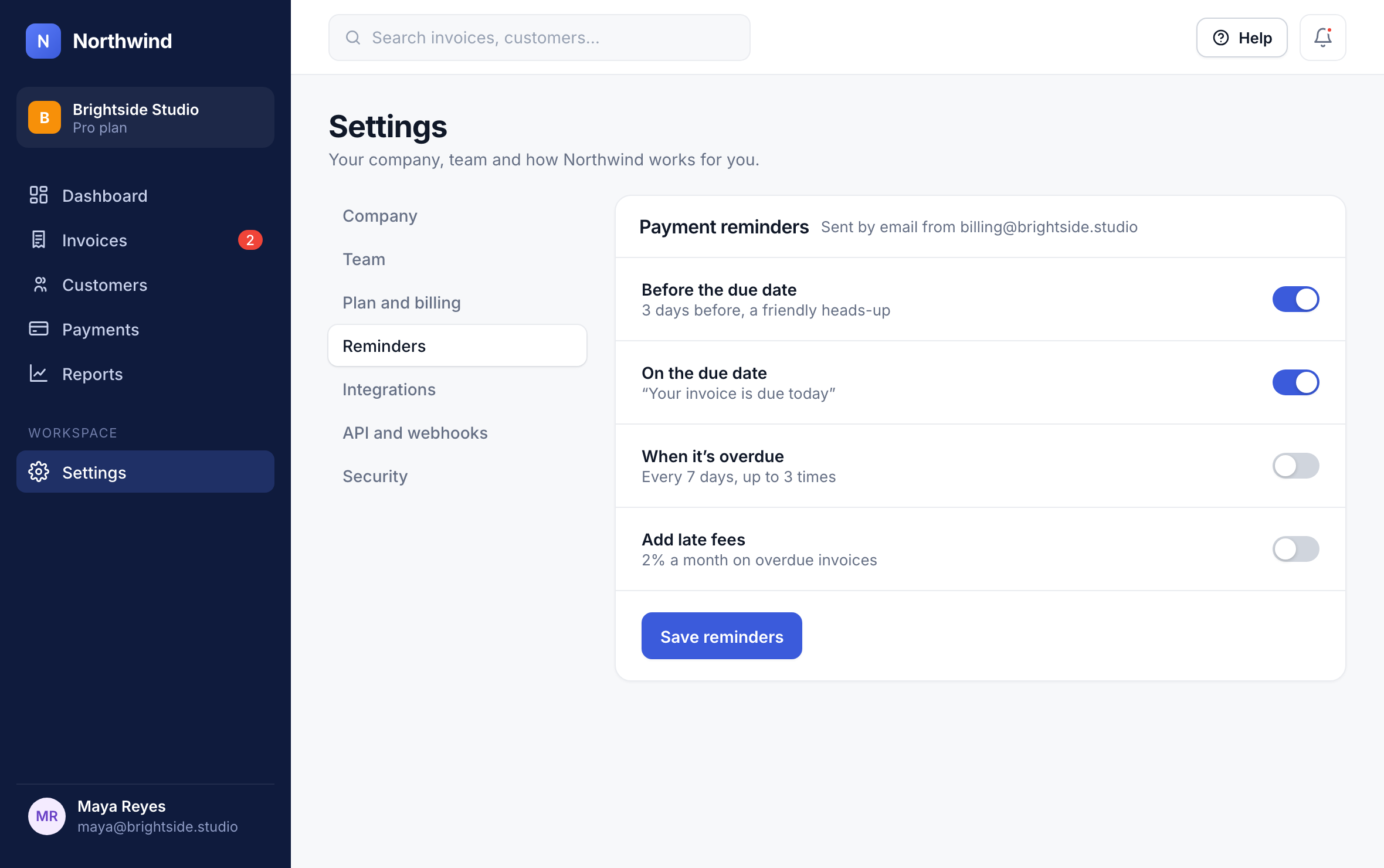
2
Reminder | When it’s sent |
|---|---|
Before the due date | 3 days before |
On the due date | The morning it’s due |
When it’s overdue | Every 7 days, up to 3 times |
Good to know: Reminders come from your invoice email address (Settings → Company), so replies reach you.
Did this answer your question?