
Send your first invoice
Create an invoice, add what you’re billing for, and send it in under two minutes.
You can send an invoice as soon as you’ve signed up. Northwind fills in your company details and the next invoice number for you.
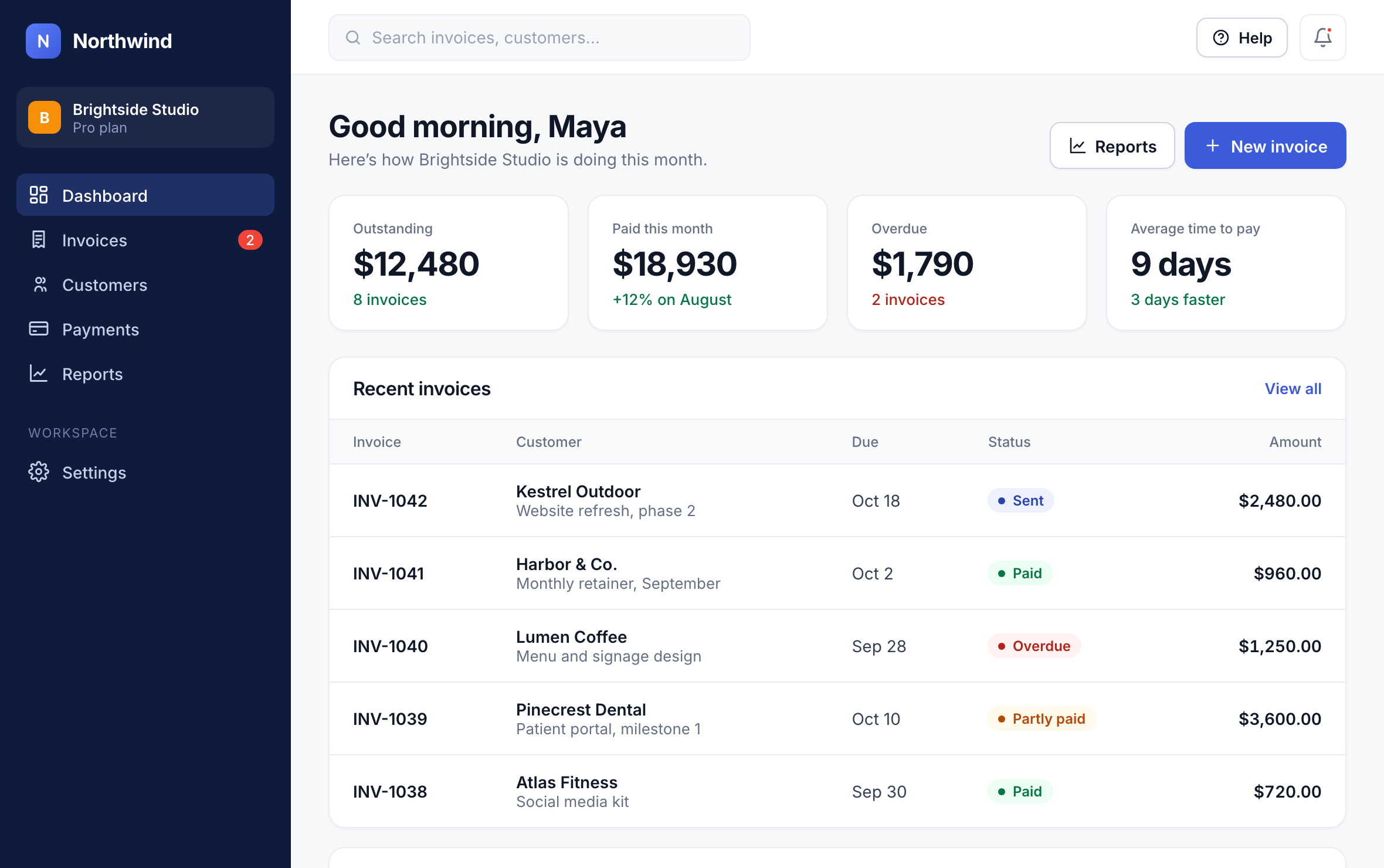
Step 1: Start a new invoice
On the dashboard, click New invoice.
1
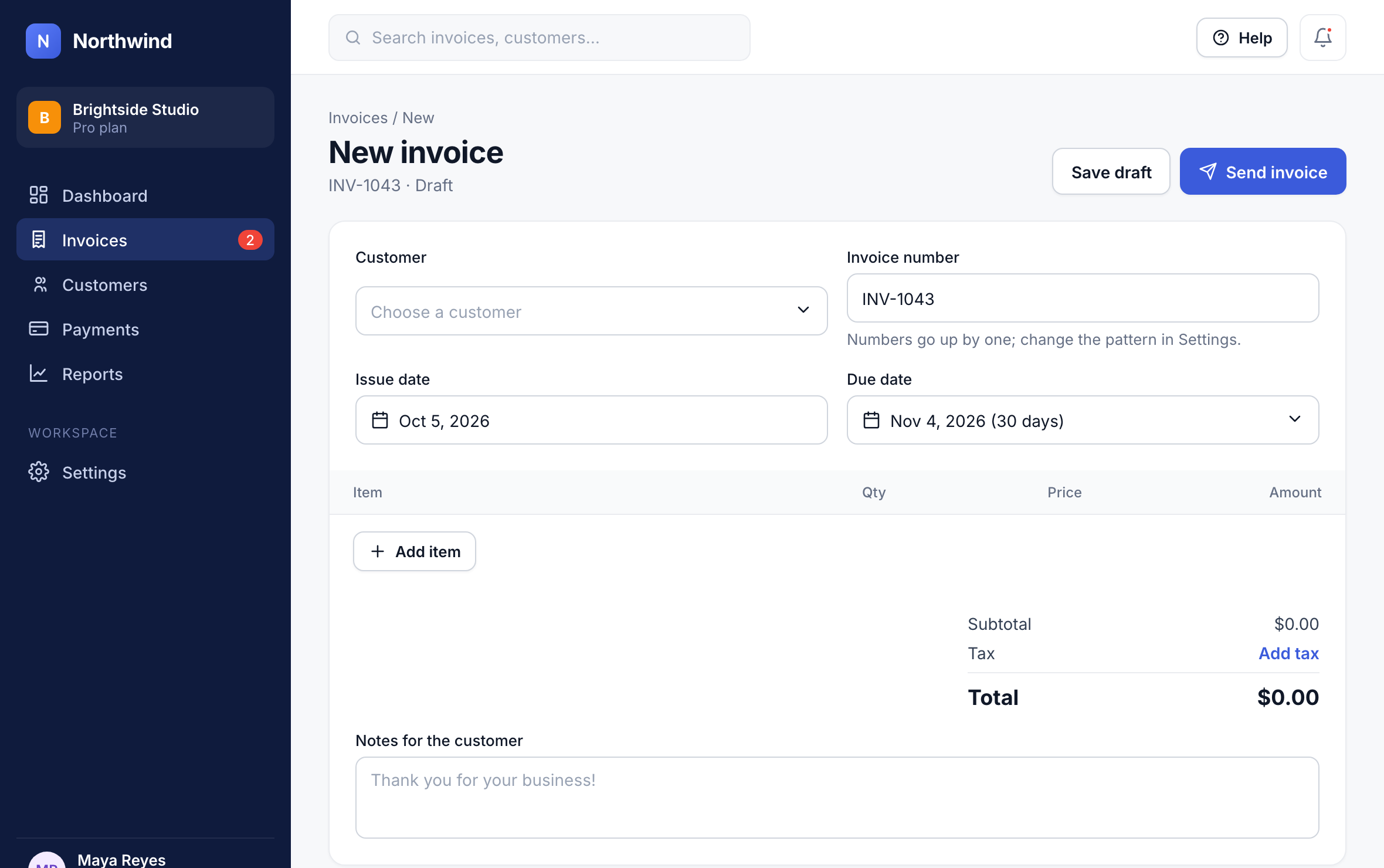
Step 2: Choose the customer
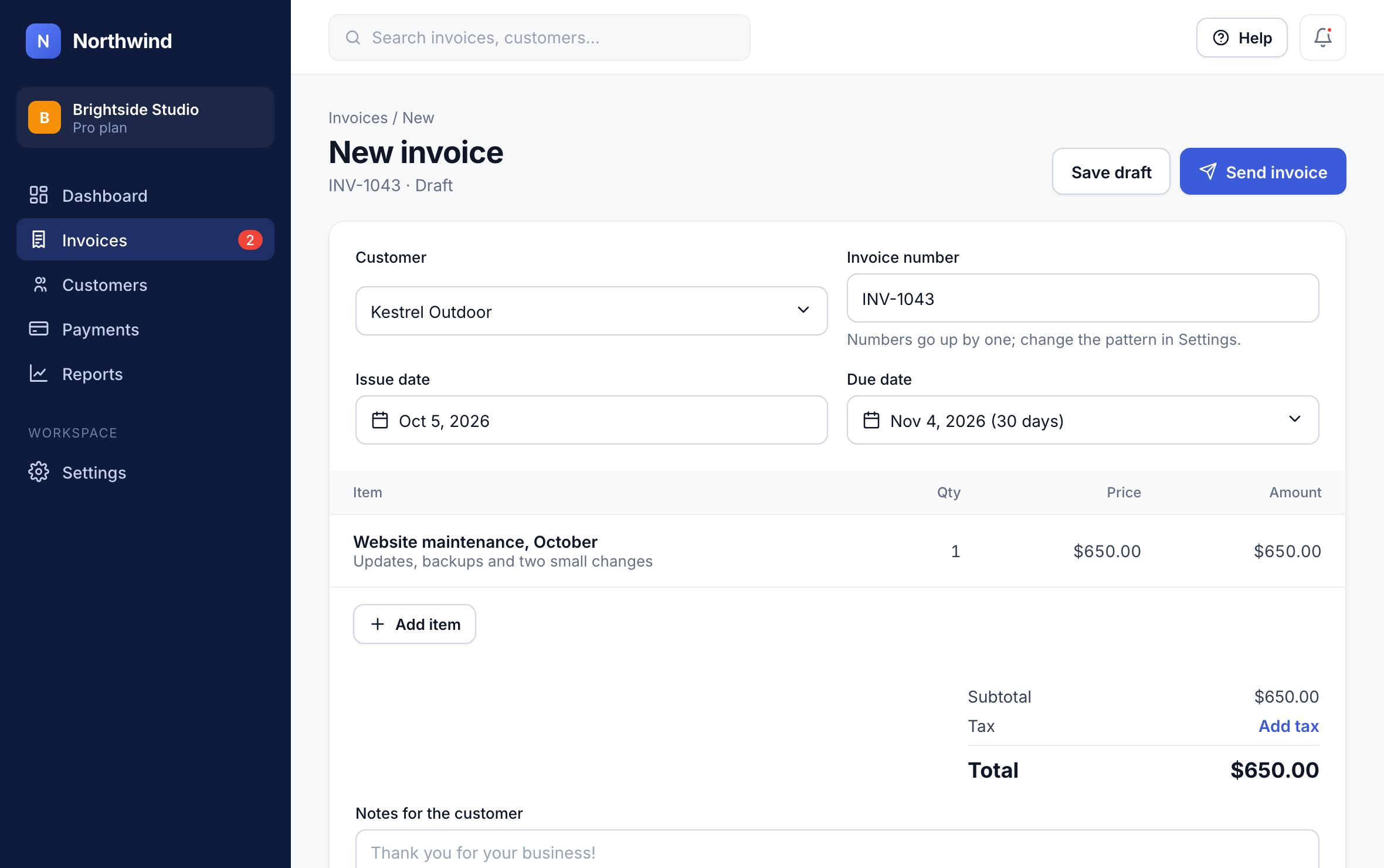
Pick who you’re billing from the Customer list. New customers can be added straight from the list.
2
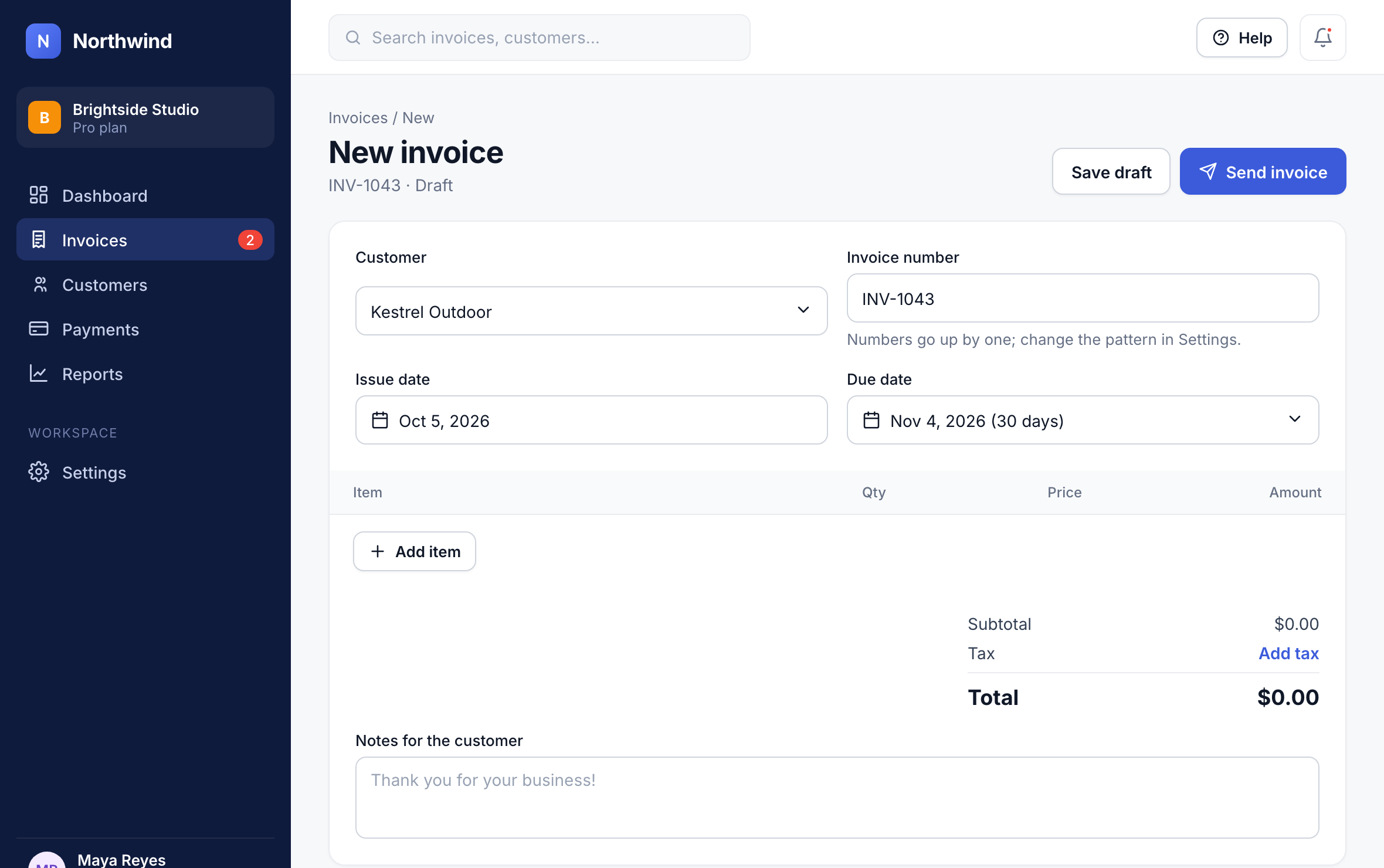
Step 3: Set the due date
Choose when the invoice is due. 30 days is the default; you can pick a date or another term.
3
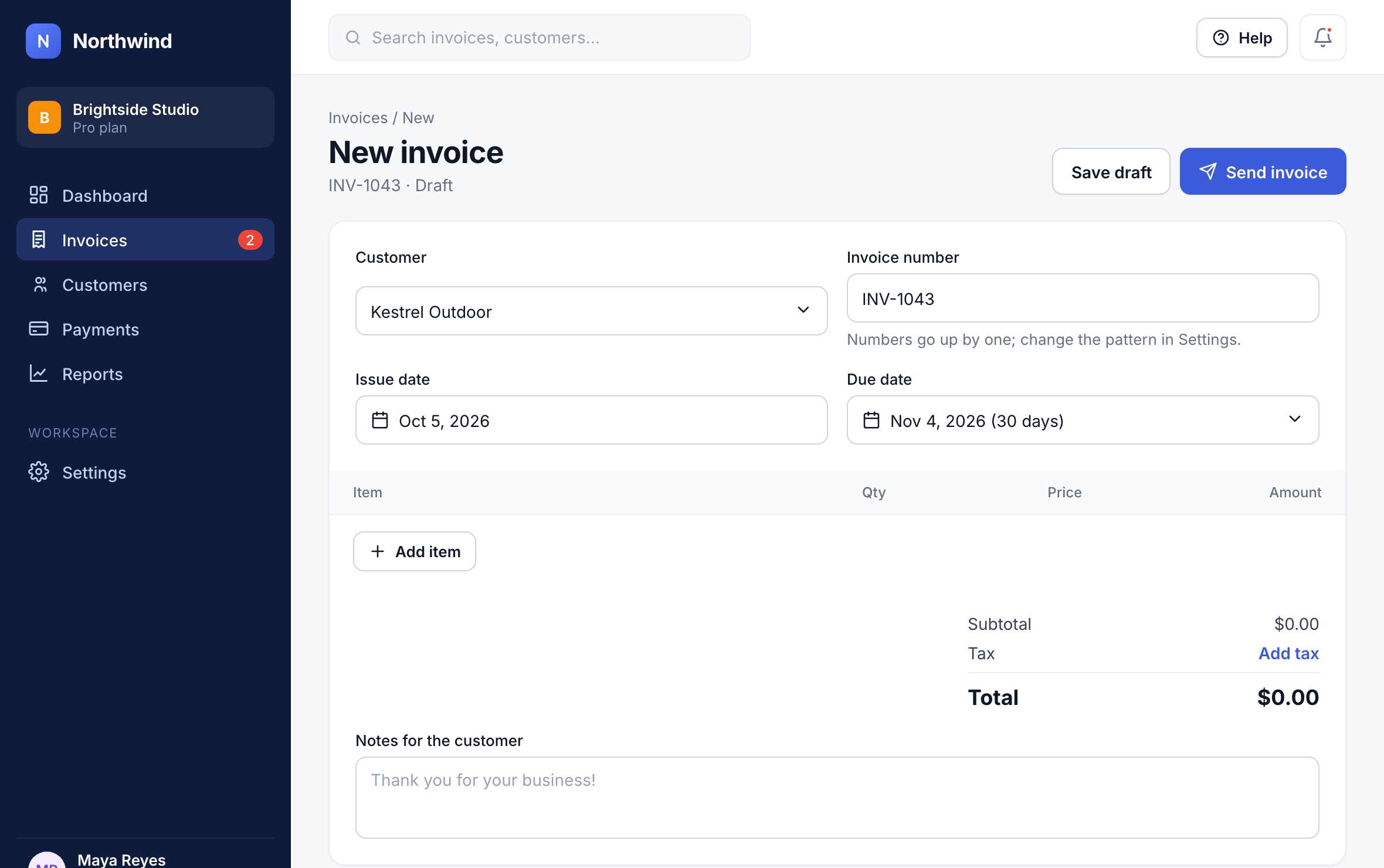
Step 4: Add what you’re billing for
Click Add item for each product or service, with a quantity and a price. Northwind adds up the total.
4
Step 5: Send it
Click Send invoice. Your customer gets an email with a link to view and pay it online.
5
Tip: Not ready to send? Click Save draft and finish it later from Invoices → Drafts.
Did this answer your question?