
Turn on two-step login
Protect your account with a code from your phone.
Set it up
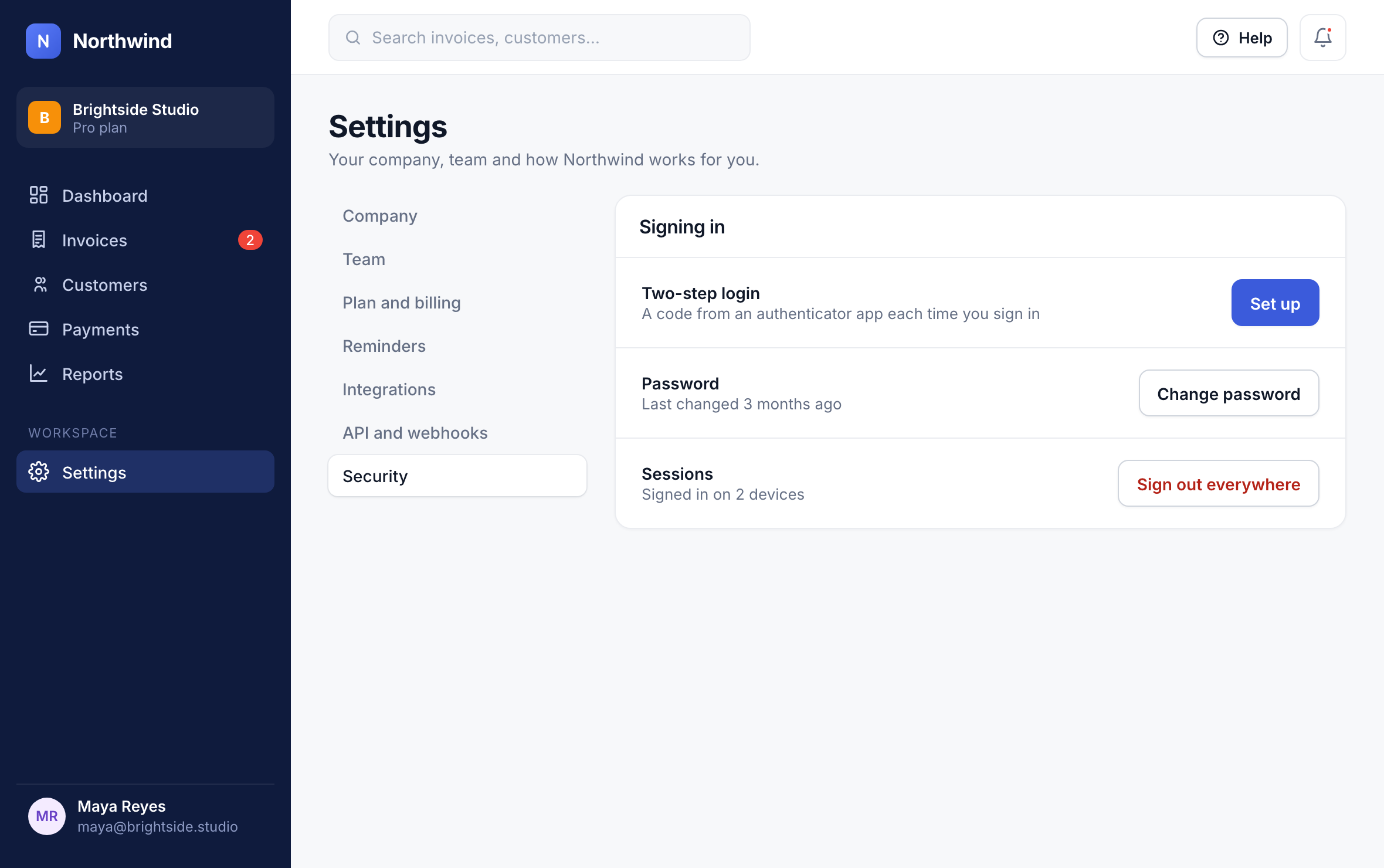
In Settings → Security, click Set up next to Two-step login.
1
Scan the QR code with an authenticator app (1Password, Google Authenticator, Authy), enter the 6-digit code, and save your backup codes somewhere safe.
Tip: Owners can require two-step login for everyone in the workspace.
Did this answer your question?