
Invite your team
Add teammates and choose what each one can do.
Bring in your team so they can create invoices, follow up on payments, or do the books.
Step 1: Open Team settings
In Settings, click Team.
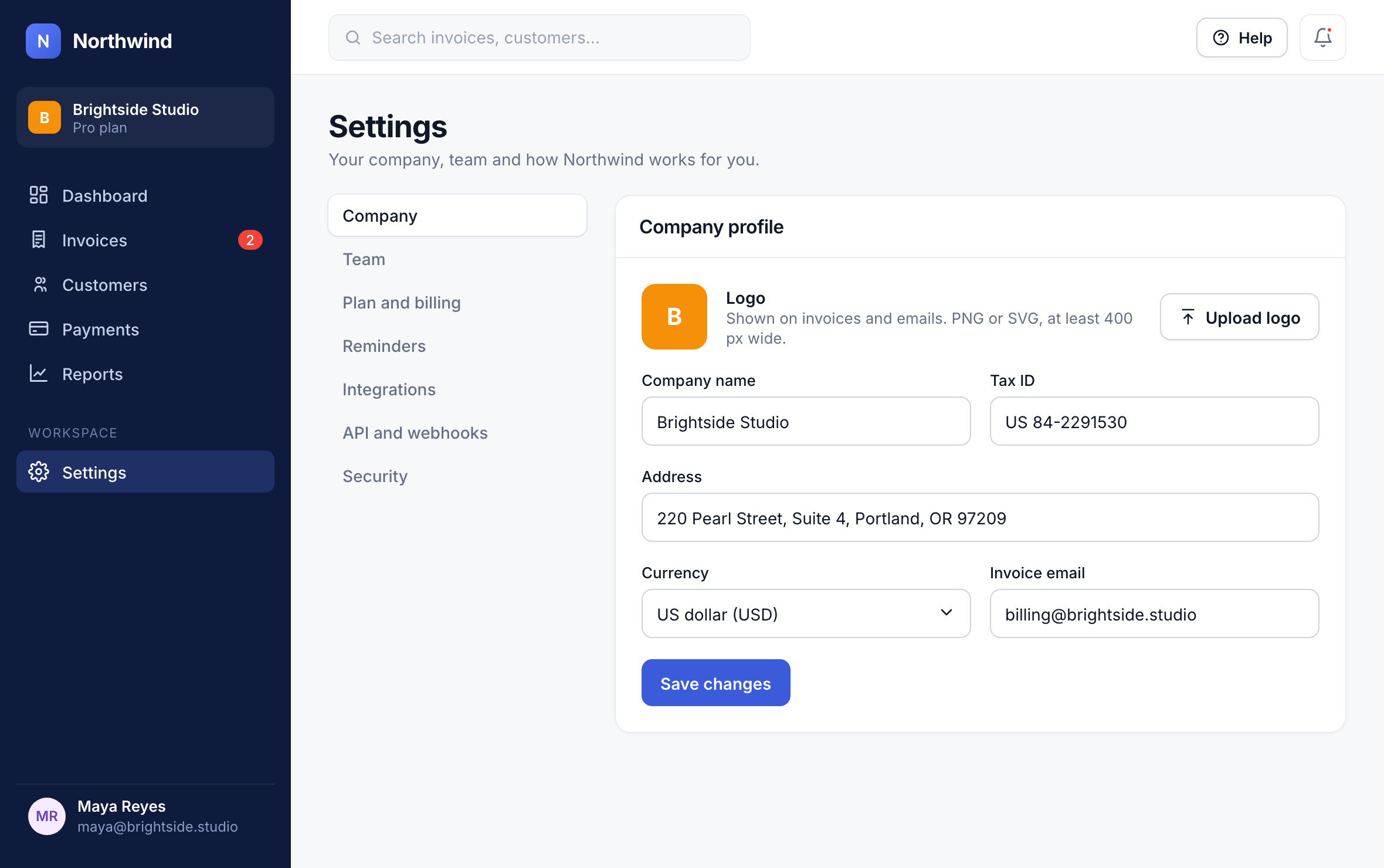
1
Step 2: Invite a member
Click Invite member.
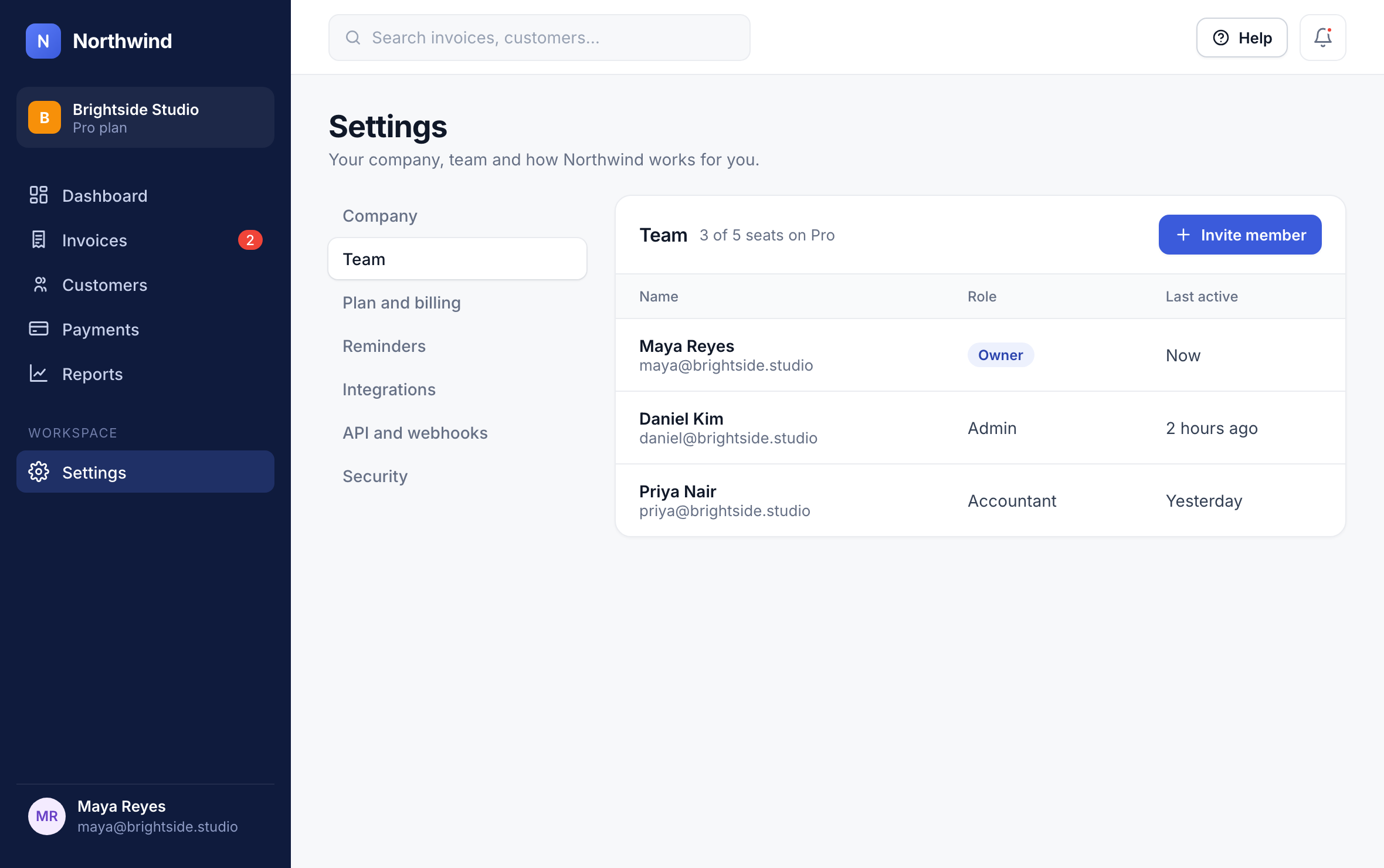
2
Step 3: Choose their role
Enter their email and pick a Role. See Roles and permissions for what each one can do.
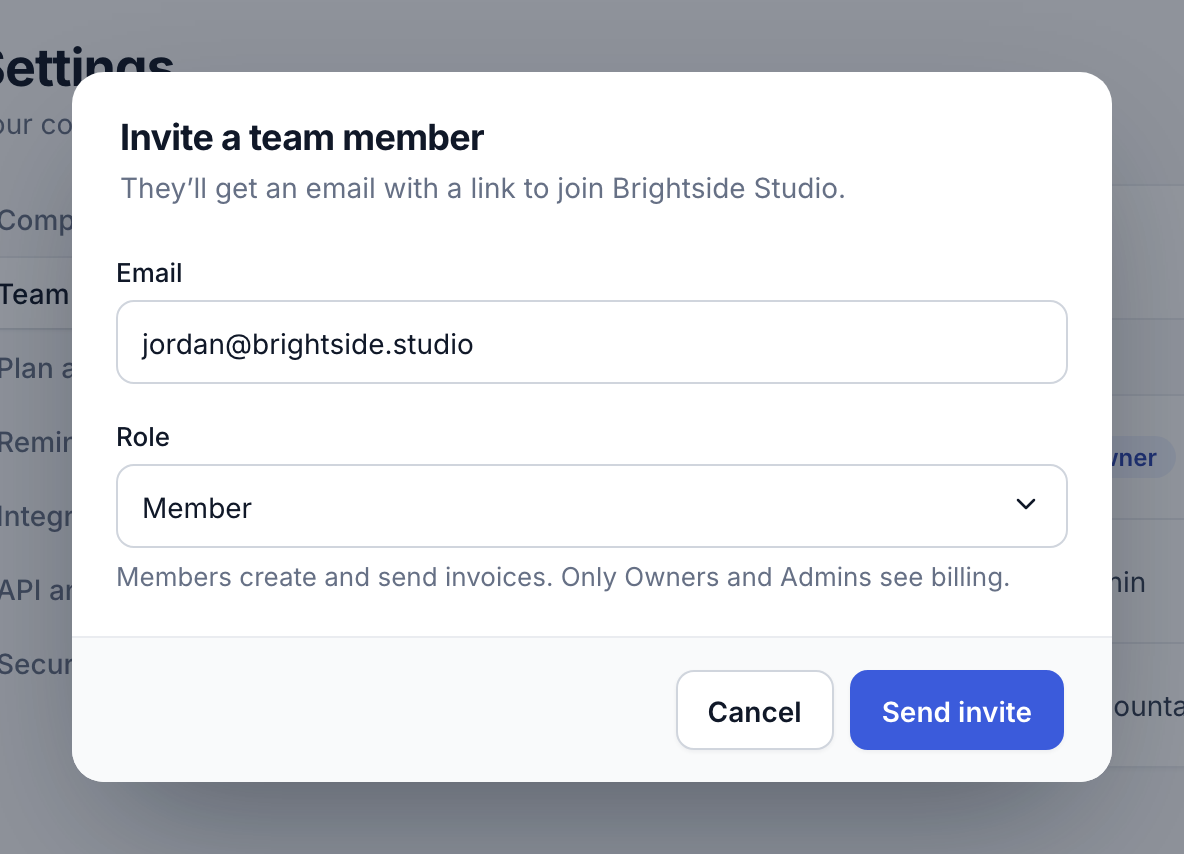
3
Step 4: Send the invite
Click Send invite. They get an email with a link to join; it works for 7 days.
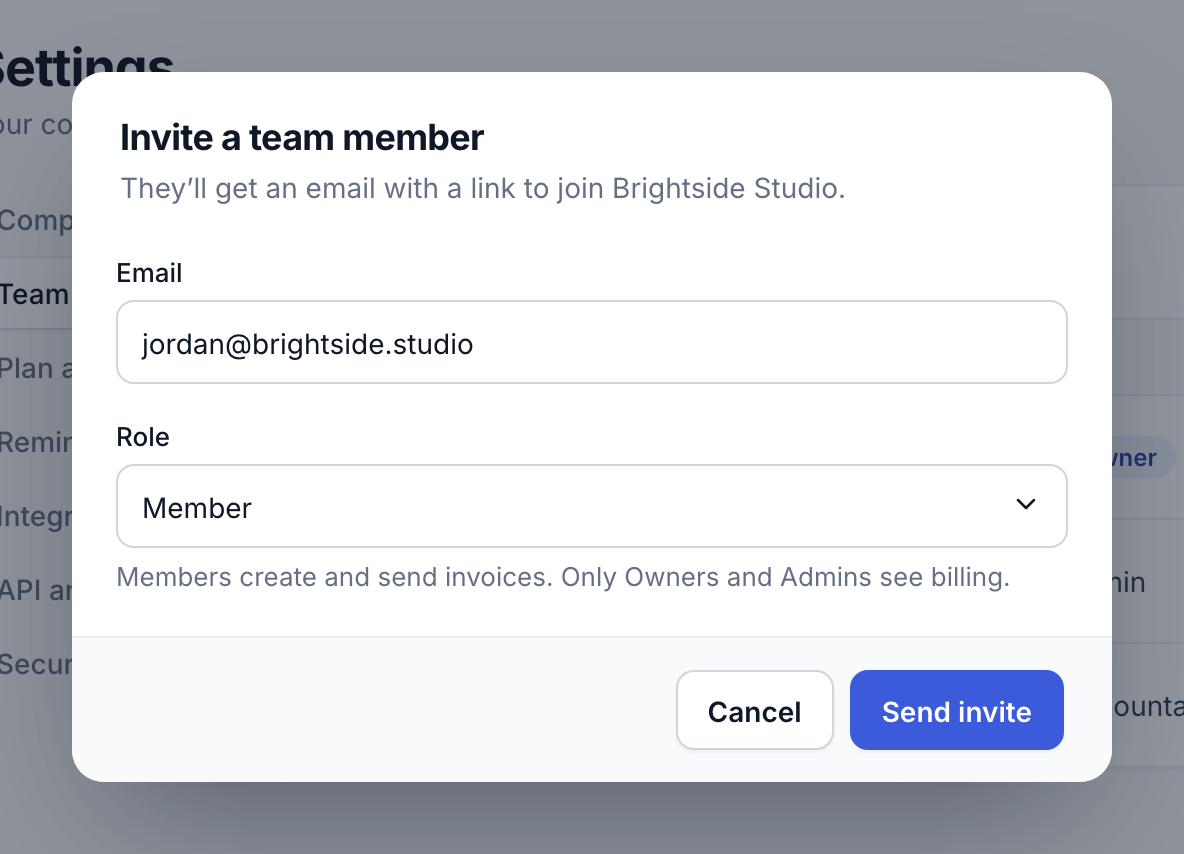
4
Did this answer your question?