
Record a payment you received
Mark an invoice as paid when the money came by bank transfer, cash or cheque.
Payments by card or bank through Northwind are recorded for you. For money you received another way, record it yourself.
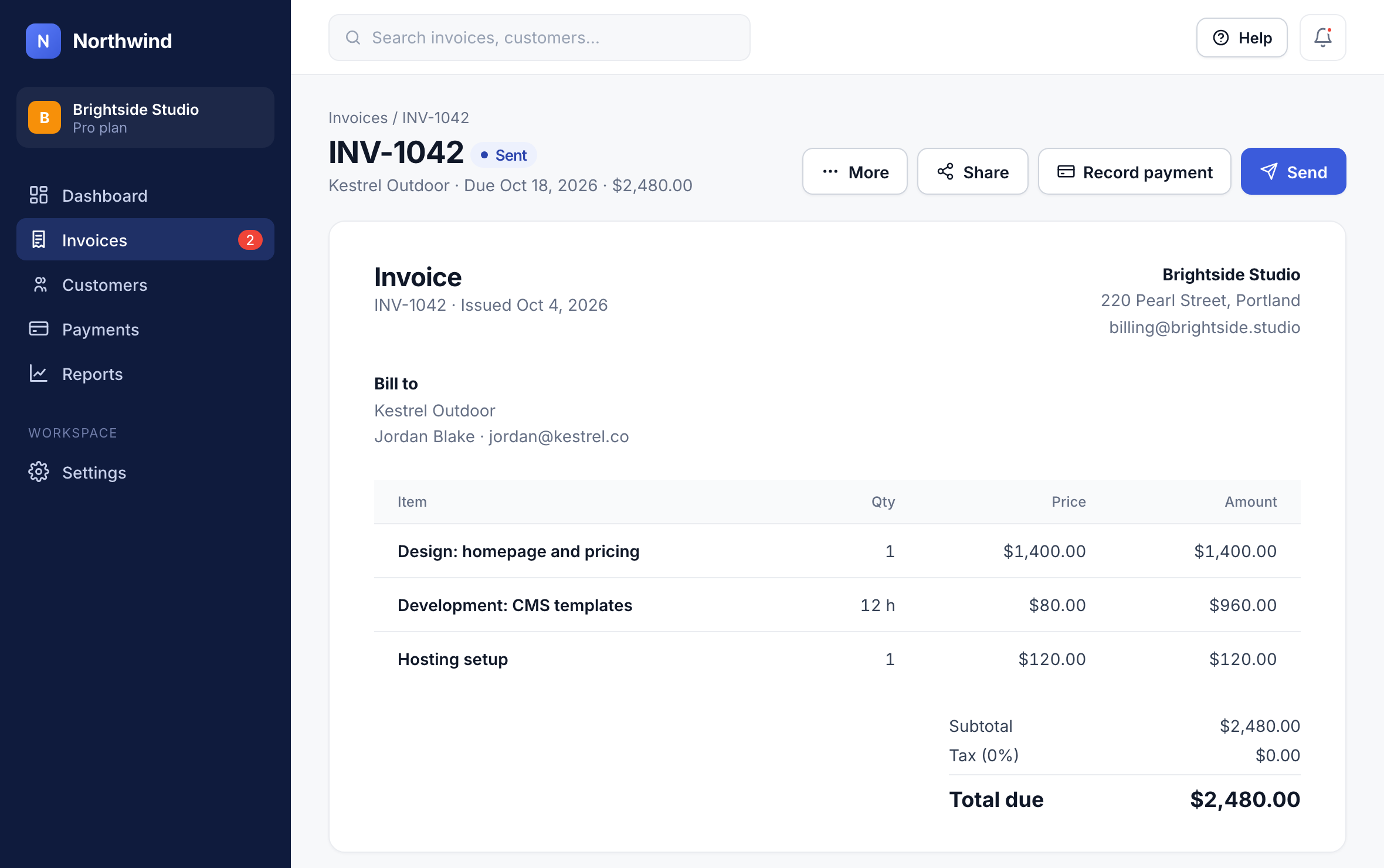
Step 1: Open the invoice
Open the invoice and click Record payment.
1
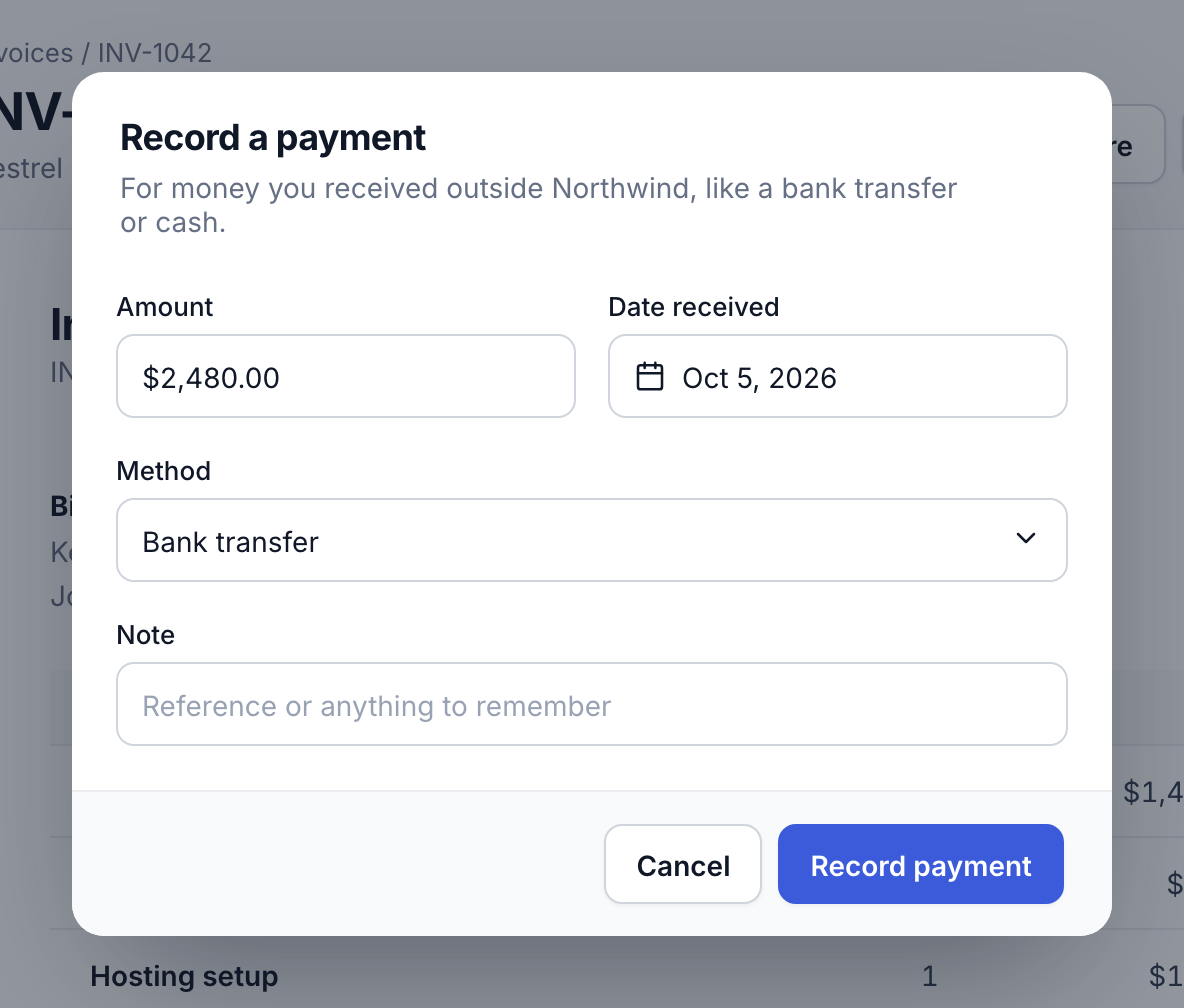
Step 2: Choose how it was paid
Enter the amount and the date, and pick the Method: bank transfer, cash, cheque or other.
2
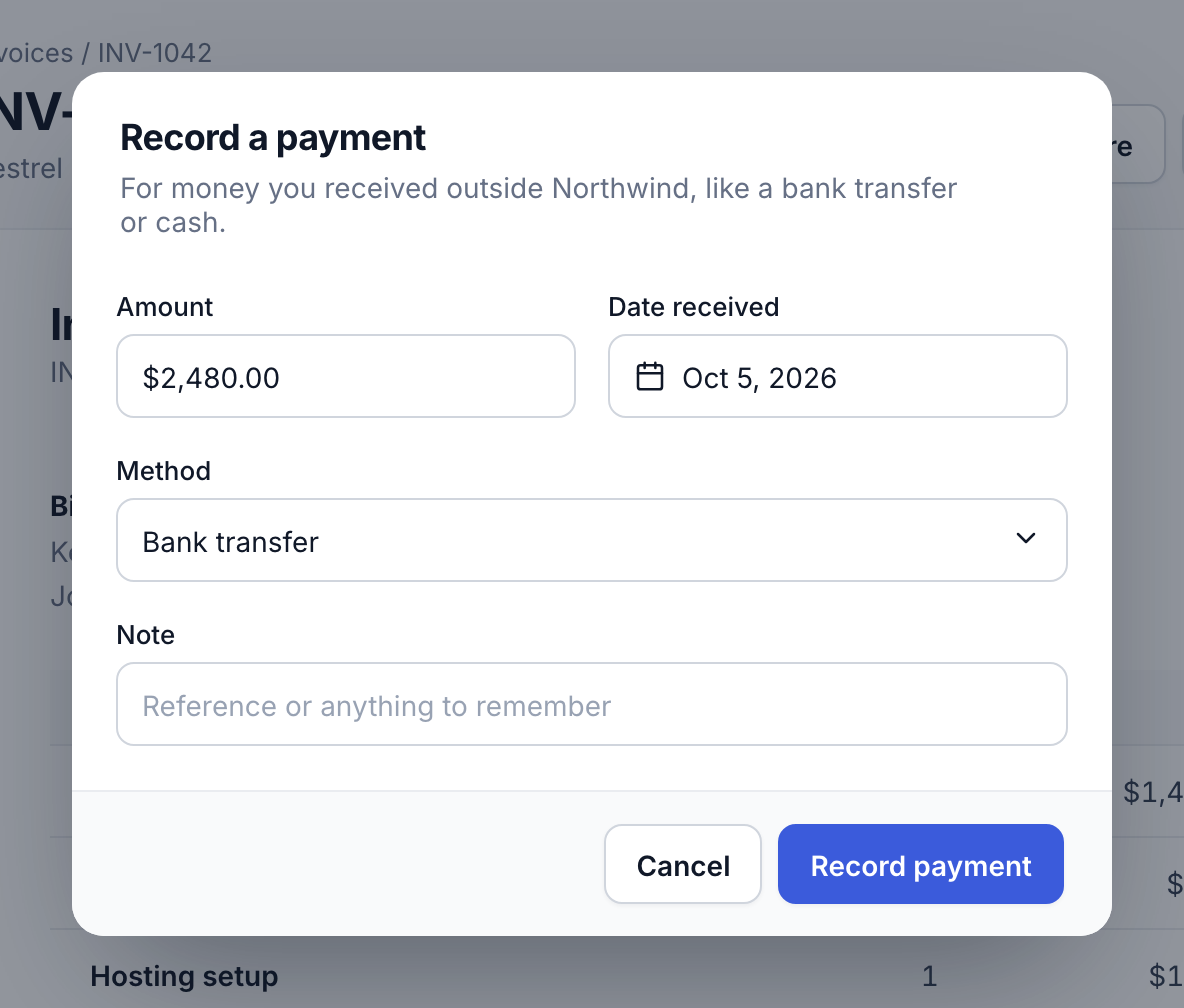
Step 3: Record it
Click Record payment. A partial payment leaves the rest outstanding and the invoice shows Partly paid.
3
Did this answer your question?