
Import customers from a CSV
Bring your whole customer list over in one go.
Moving from another tool or a spreadsheet? Import your customers instead of typing them in.
Step 1: Start the import
Go to Customers and click Import CSV.
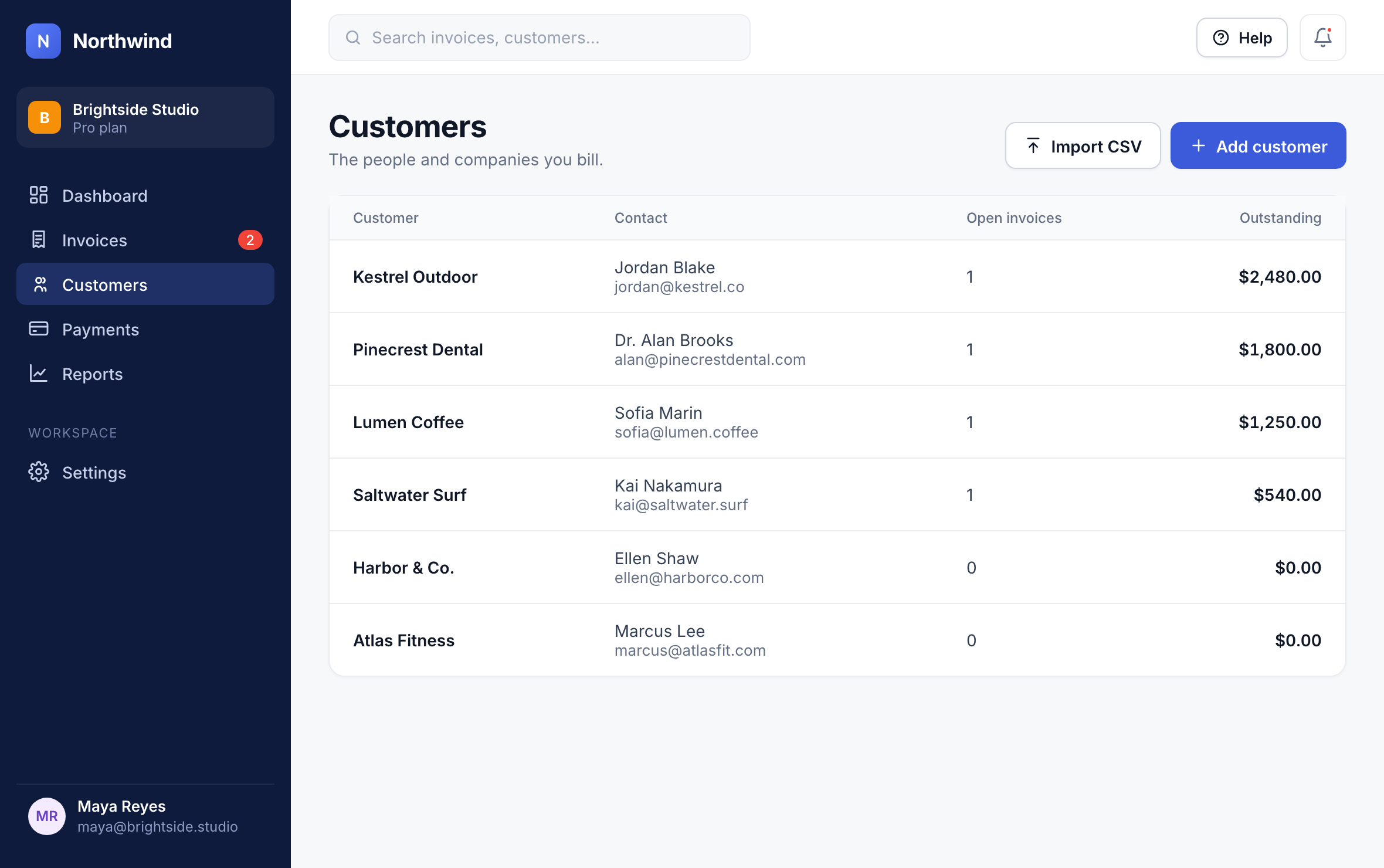
1
Step 2: Upload your file
Choose your CSV, then click Upload and review. Northwind matches columns like name, email, company and tax ID for you.
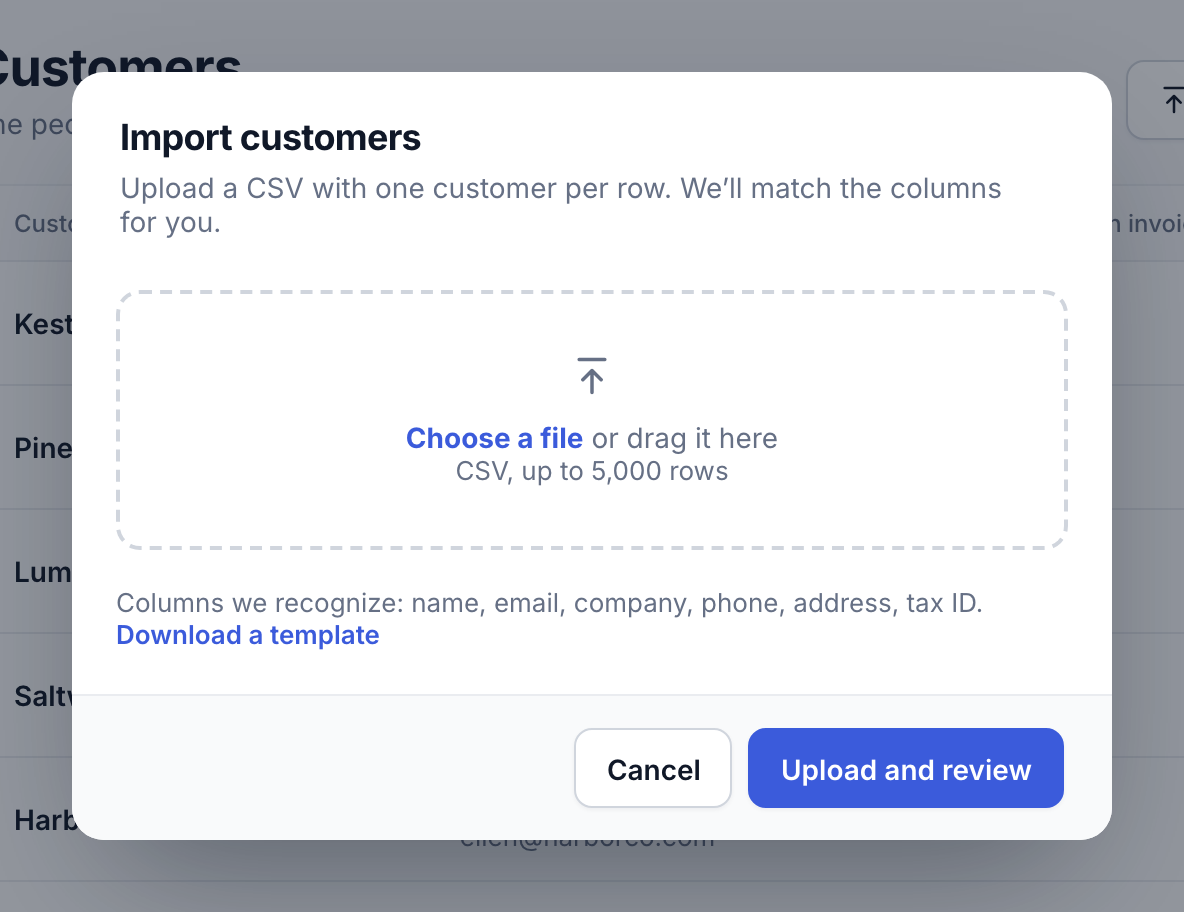
2
Check the preview, fix anything that didn’t match, and click Import. Customers who are already in Northwind (same email) are updated rather than duplicated.
Tip: Download the template from the import window to see the columns Northwind recognises.
Did this answer your question?